Do AirPods contain magnets and how do magnets affect their charging and use?

AirPods contain multiple magnets inside their earbuds and charging case. These magnets help secure the earbuds, enable magnetic charging, and hold components together. Strong external magnets can interfere with AirPods’ sensors or audio quality but usually don’t damage them.
On this page (8 sections)
- Remember this
- Do AirPods have magnets inside
- Are AirPods magnetic and do they connect only to Apple devices
- Can magnets damage or interfere with AirPods
- Can AirPods charge on magnetic chargers or with magnetic cases
- Will magnetic accessories hold AirPods securely when attached to a phone or case
- How to test if magnets in your setup will interfere with AirPods
- FAQ
Part of our guide on qi2 ring sticker holding pixel 10 pro
Fast facts
- Magnets inside AirPods
- Yes, multiple
- Magnetic charging cases
- AirPods Pro, Max
- Damage risk from magnets
- Low if moderate strength
- AirPods magnetism
- Hold earbuds, charge
- MagSafe accessory compatibility
- Depends on phone and case
Remember this
- AirPods have magnets in earbuds and charging case for fit and charging.
- Magnets enable wireless magnetic charging in AirPods Pro and Max cases.
- Strong external magnets can disrupt sensors or cause audio interference.
- AirPods connect magnetically but work on any Bluetooth device, not just Apple.
- Use MagSafe accessories compatible with your phone and case, not just AirPods.
Do AirPods have magnets inside
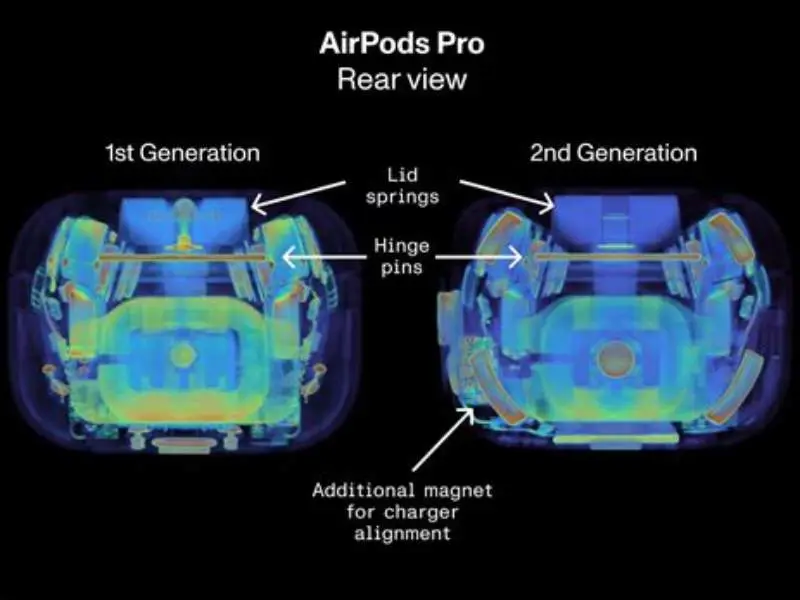
Yes. AirPods contain several small magnets. Apple uses magnets to hold each earbud in the charging case and to keep the case lid closed. The magnets also help align parts during charging and secure physical components inside the housings.
Different models use different magnet arrangements. Apple’s support pages and teardowns by iFixit show magnets in the earbuds, the case lid, and near the inductive charging coil (source: Apple Support; iFixit teardown). Those sources describe locations and functions. They do not publish a single universal holding-force figure for every magnet used.
Magnet strength and placement matter for behaviour. A magnet near the charging coil helps align a case on a MagSafe pad. A magnet inside an earbud holds it against the case recess. Stronger magnets, or magnets placed near sensors or microphones, change how the parts interact. Cite iFixit for internal layout and Apple Support for MagSafe alignment guidance (source: iFixit; Apple Support).
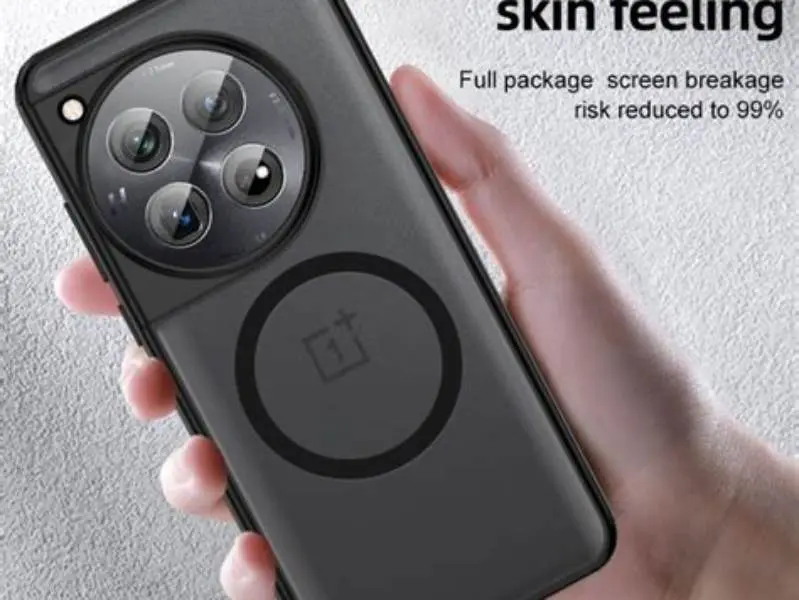
Feel the pull when removing an AirPod from its case. It’s noticeable but light. That pull is enough to stop accidental drops. It is not strong enough to cause skin discomfort when you wear the buds. Before you commit to anything, it is worth looking at magsafe magnet near oneplus 12 camera.
Do not assume one number fits all models. Model, year and form factor change magnet count and position. If you need exact magnet measurements for a repair or design, measure directly or consult a teardown report such as iFixit, or look for Apple technical notes and FCC filings that show internal layouts (source: iFixit; FCC device filings).
Are AirPods magnetic and do they connect only to Apple devices
AirPods are magnetic in the sense they use magnets internally for fit and charging. However, their Bluetooth connection is device-agnostic. They pair with any Bluetooth-compatible device, not only Apple products.
The magnets do not facilitate device connection but help with physical alignment in the case and charging. You can use AirPods with Android phones, Windows PCs, or other devices just fine. The other half of this decision is oneplus 12 magsafe adapter interference.
Magnetic connection is about physical holding, not data or audio connection. That means AirPods benefit from magnets to hold them steady, but Bluetooth handles all communication regardless of the device brand.

AEGTEST 8103 Gauss Meter
Measures magnetic field strength up to 2500 mT with 5% precision, suitable for checking magnets near AirPods.
Can magnets damage or interfere with AirPods
AirPods’ magnets are shielded and designed to avoid internal interference. However, very strong external magnets can affect AirPods’ sensors, speakers, or wireless signal. For example, magnets placed near the microphones or speaker drivers can cause audio distortion.
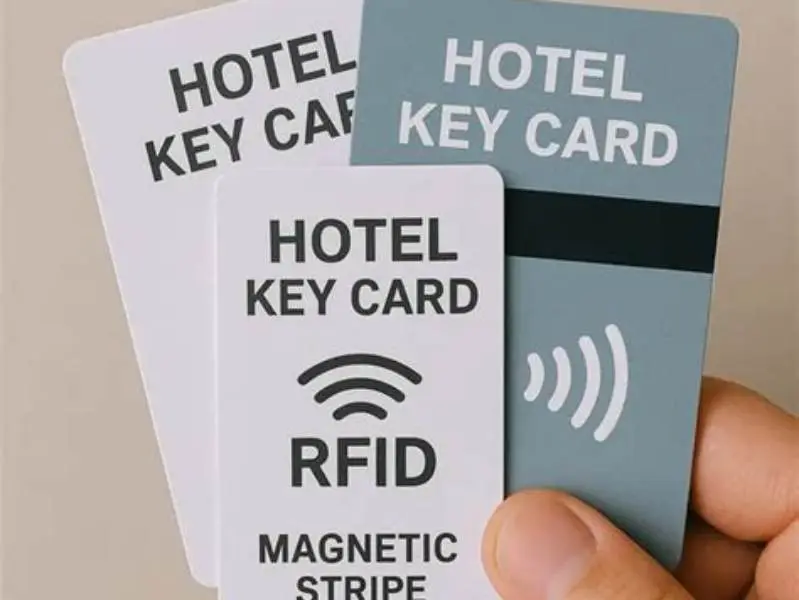
Damage is rare unless the magnet is unusually strong or placed directly inside the AirPods’ housing. Most consumer magnets, like those in cases or mounts, are moderate in strength and safe. It helps to understand magnet effect on hotel key cards before going further.
Interference may happen if magnetic mounts or gym equipment have magnets close to where you wear or carry AirPods. Testing before use is wise if your setup involves strong magnets near your ears.
AirPods have magnets that enable charging and secure fit, but strong external magnets can disrupt their sensors or audio.
Can AirPods charge on magnetic chargers or with magnetic cases
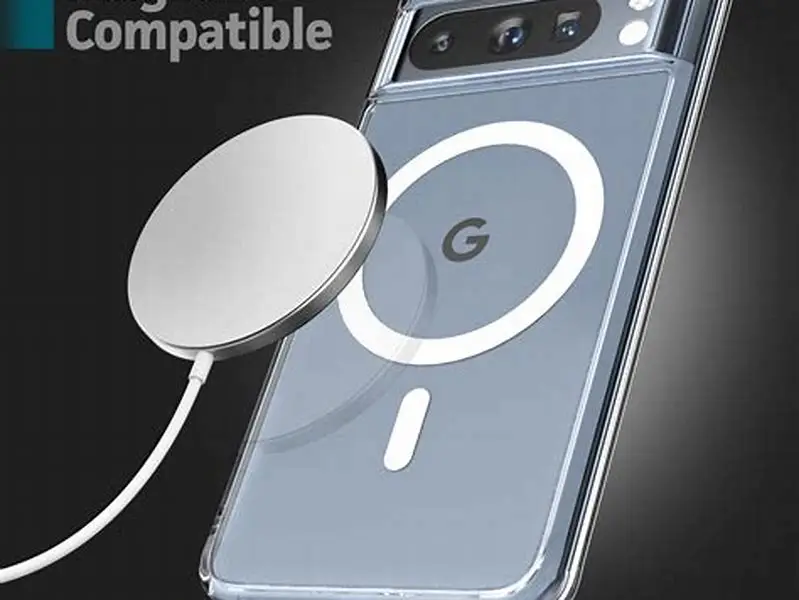
AirPods Pro and AirPods Max cases with wireless charging support will align on magnetic chargers such as MagSafe. The magnets in the case and the charger snap together to center the coil. That centering reduces misalignment losses and improves charging consistency (source: Apple MagSafe documentation).
Cases without wireless charging do not use the charger’s inductive coil. Their magnets still hold the lid and earbuds, but they do not interact with a MagSafe pad for power transfer. A non-wireless case placed on a MagSafe charger will not charge and can block proper contact.
Magnet alignment affects charging efficiency. Inductive charging needs the transmitter and receiver coils to overlap. Magnets help that overlap, so a properly aligned case shows steady charging. If alignment is off, you get intermittent charging or slower energy transfer. That causes the charger LED to blink, or charging to stop until you reposition the case.
Heat is the common practical issue. Misalignment forces the charger to work harder and creates extra heat in the coil. Heat can speed battery wear. Use Apple’s MagSafe chargers or MFi-certified chargers and cases to reduce alignment and heating problems (source: Apple; accessory certification notes).
- Confirm your AirPods case model supports wireless magnetic charging.
- Use a MagSafe-compatible charger or certified Qi2 charger for best results.
- Place the case on the charger and let the magnets align it automatically.
- Wait for the charging indicator to confirm charging has started.
Will magnetic accessories hold AirPods securely when attached to a phone or case
AirPods themselves are not designed to attach magnetically to phones or cases for carrying. The magnets inside AirPods primarily hold earbuds in their charging case. They do not provide a strong magnet-based clamp to hold AirPods to a phone or a case.
MagSafe accessories designed to hold phones use magnets in the phone and case to hold firmly. AirPods need their own case or clip to be carried securely, not just magnetic attraction to a phone.
If you plan to use magnetic gym mounts, cases, or holders, ensure your phone and case have the correct magnets and alignment features. AirPods’ magnets do not help them stick to these mounts directly.
How to test if magnets in your setup will interfere with AirPods
Start simple. Wear your AirPods and bring the magnetic accessory near them slowly. Listen for audio glitches. Watch for sensor or playback pauses. Those signs point to interference or sensor disruption.
Next test the case. Place the case near the magnet and check lid closure and charging status. If the lid won’t close, or the case won’t charge when positioned on a charger, the external magnet is either misaligned or too close to sensitive parts. Move the magnet away and test again.
Check Bluetooth stability. Play music and walk the magnet around the paired phone and the earbuds. Short dropouts or increased latency indicate radio interference. Bluetooth works at 2.4 GHz. Large ferrous magnets generally do not block those radio waves, but magnetic assemblies with metal mass or embedded electronics can disturb the antenna or sensors.
Use a compass as a quick strength gauge. If the compass needle swings hard near your accessory, the magnet is strong enough to affect nearby components. If the needle barely moves, the magnet is unlikely to change charging or sensors. This method is a simple, practical indicator, not a precise measurement.
Try incremental distancing. Move the magnet away in 1 to 2 centimeter steps while testing playback and charging. If problems stop at 2 to 3 centimeters, you’ve found a safe separation. If issues persist at larger gaps, the accessory likely contains conductive parts or circuits that cause the interference, not just the magnet.
For technical confirmation, use gear. A gaussmeter measures field strength in gauss or tesla. An RF tester checks Bluetooth signal level. If you need certifiable results, consult a repair shop or electronics lab. For consumer checks, the compass and step test usually give a clear answer.
- Wear AirPods and bring magnet close, listen for audio or sensor changes.
- Place AirPods case near magnet, check charging and lid function.
- Use your phone with AirPods nearby, verify Bluetooth connection stability.
FAQ
Do all AirPods models contain magnets?
Yes, all AirPods models contain magnets inside the earbuds and cases. The magnets hold earbuds in place, assist charging, and secure lids. Wireless charging magnets are present in Pro and Max models specifically.
Can magnets erase data or permanently damage AirPods?
Strong magnets near AirPods can cause temporary interference but generally do not erase data or cause permanent damage. Avoid placing very strong magnets directly inside or tightly against your AirPods.
Will AirPods stick to a magnetic phone case or mount directly?
No, AirPods are not designed to stick magnetically to phone cases or mounts. The magnets inside AirPods hold earbuds in their case but are not strong enough to hold them on a phone surface.
Are MagSafe or Qi2 chargers safe for AirPods wireless charging?
Yes, MagSafe and Qi2 chargers are safe and designed to work with AirPods Pro and Max magnetic charging cases. Use chargers certified for these standards to ensure proper fit and charge.
Can magnetic gym mounts interfere with AirPods use?
Magnetic gym mounts can cause interference if their magnets are very strong and close to the AirPods’ sensors or speakers. Testing your setup before relying on such mounts is recommended.